Evey
Evey is a media server you run at home. It holds your films, series, music and photos, and the people in your household watch them on their own devices. You never pick a quality: you press play, and Evey works out the rest.
Public beta, versions 0.x
Free software, AGPL-3.0
Demo: signs you in by itself (demo / demo)
What you need: an x86-64 computer or NAS with Docker, and a
folder with your media. Installing is one file and one command.
Watch in a web browser, on Android phones and tablets, on
Android TV, in a television's web browser, and on a Chromecast. The Android and Android TV apps arrive on
Google Play once Google's review passes;
the web app ships with the server, and the browser TV app is served at /tv.
-
You will run the server
Install Evey on your computer or NAS, add your media, invite your household. Start with Install
-
Someone gave you an address
Somebody at home already runs Evey and you just want to watch. Read Watching with Evey
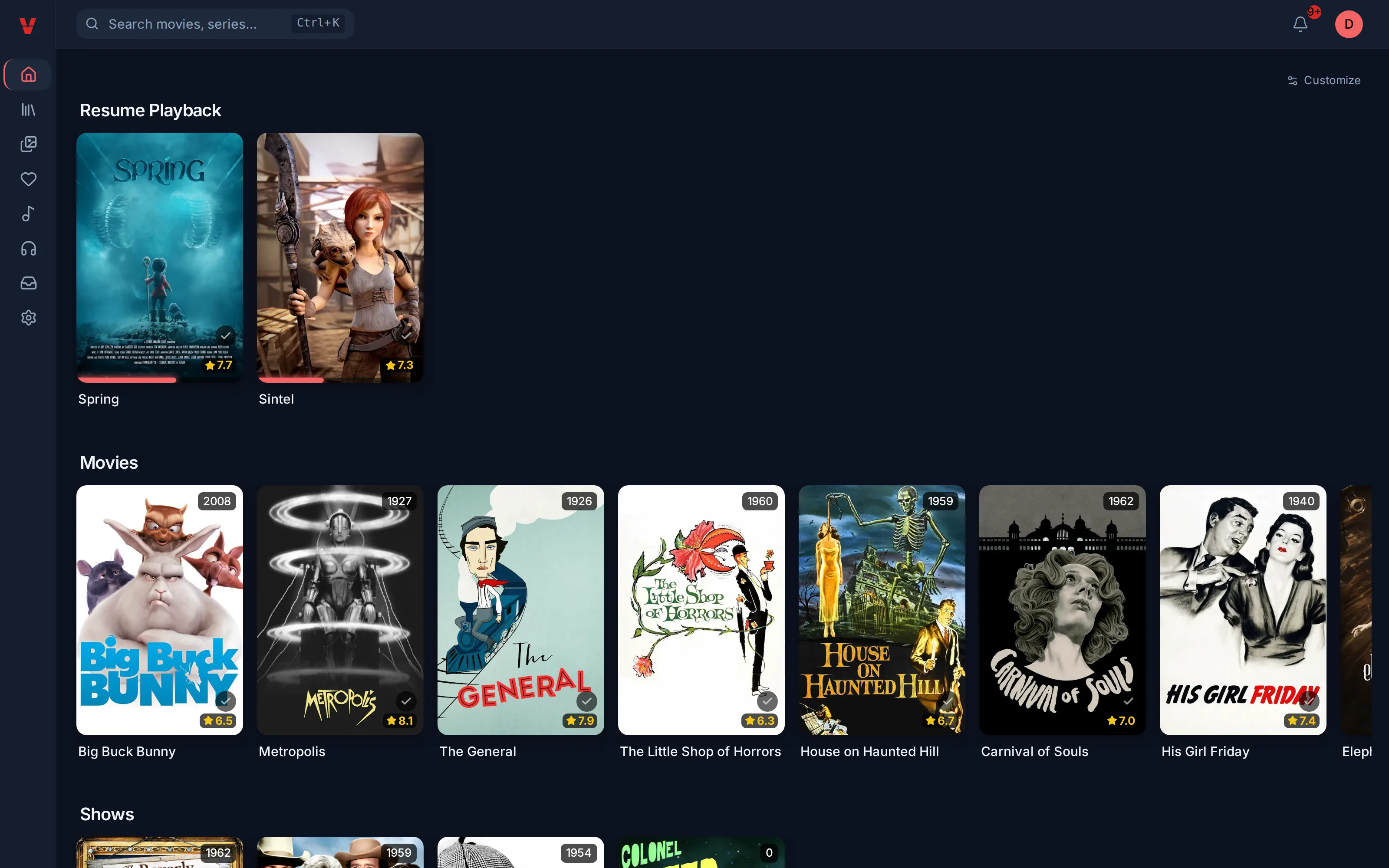
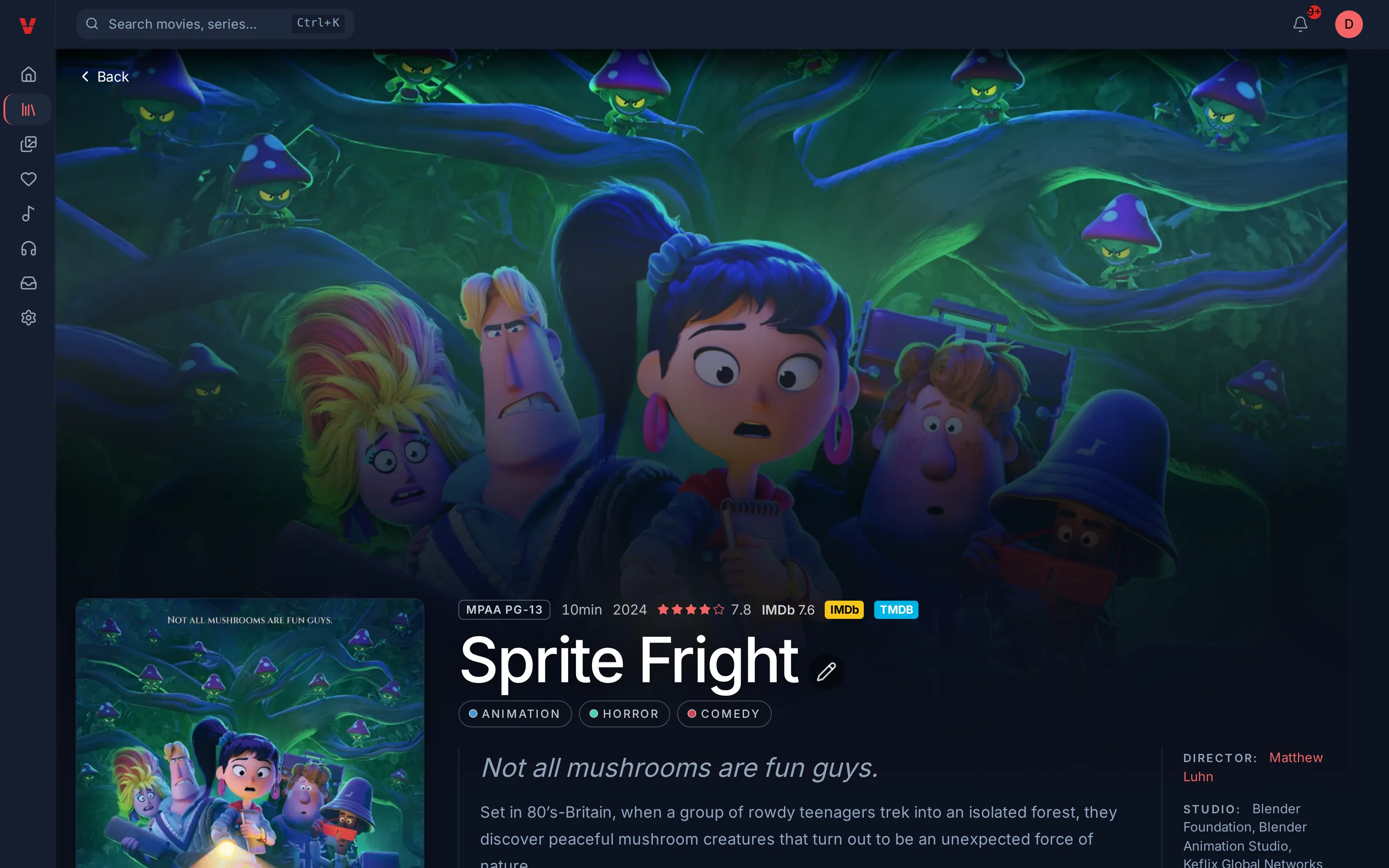
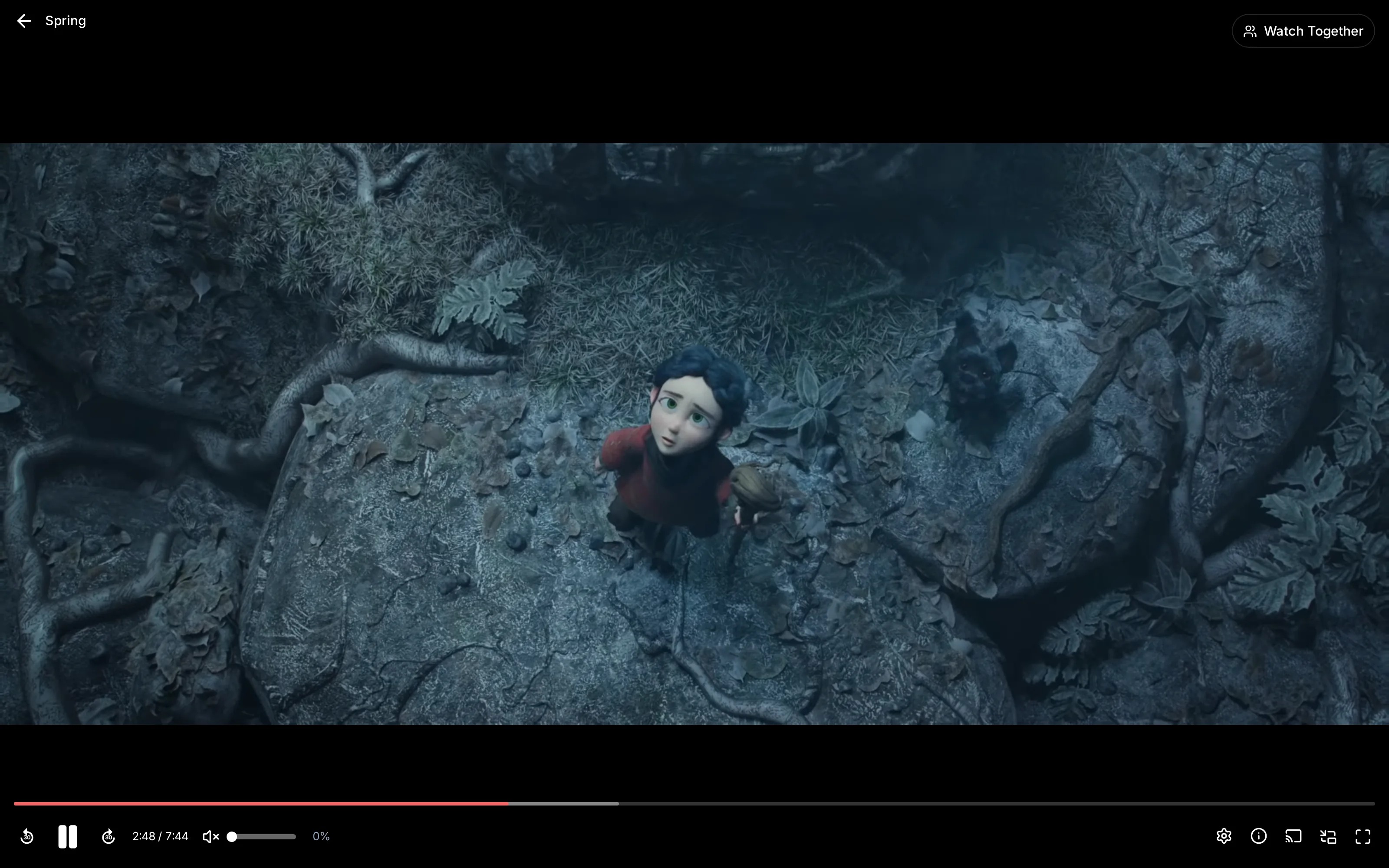
For everyone at home
- A profile per person. Each profile keeps its own history, resume points, favourites and languages. A household usually shares one account, with one profile per person.
- Kids profiles. A kids profile opens without a code. Leaving it for an adult profile asks for a four-digit PIN. A kids profile has an age limit, and the server never sends a title above it, not even as a download.
- Pick up where you left off, on any device. Resume points are kept on the server, not on the phone.
- On the go. The Android app can download a title to watch offline, for 30 days.
- On the TV. You sign in an Android TV with Quick Connect: the TV shows a code, and you approve it from your phone or computer. No password to type with the remote.
- Together. Several people can watch the same title at the same moment, each on their own device.
Music and photos work the same way as films and series, on the web, on Android and on the TV. Connect the apps · Users, profiles and parental control
Nothing to choose before pressing play
Some files play everywhere. Others are too heavy for an old phone, or use a sound format a TV cannot read. Each time you press play, the server looks at the file, at the device, and at how busy it is, then picks the lightest way that works:
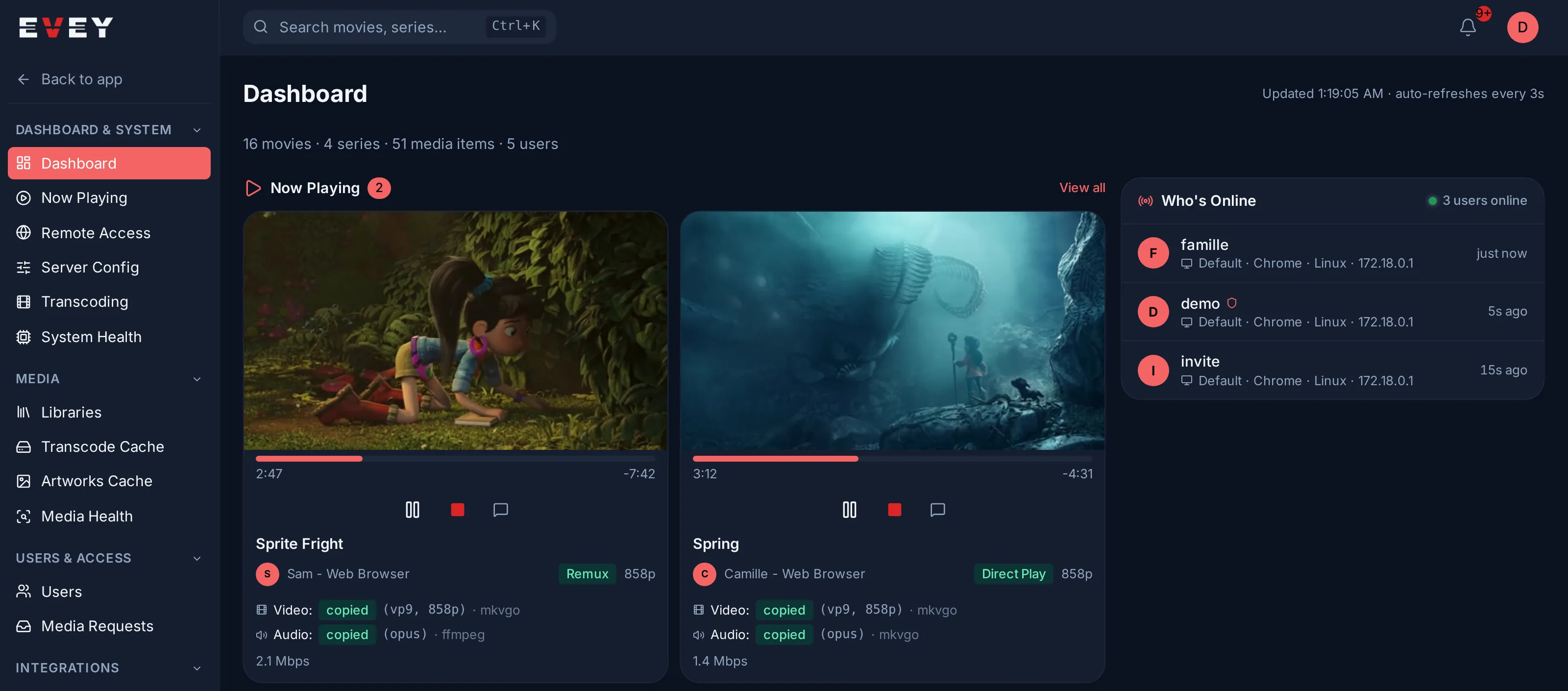
- Direct Play: the file is sent as it is.
- Remux: the picture and sound are copied, unchanged, into a file format the device accepts. This costs the server almost nothing. Evey has its own tool for this, MKVGo, and uses FFmpeg when MKVGo cannot.
- Transcode: the server converts only what the device cannot play, often just the sound. This is the only case that keeps the processor busy.
So the same film can go untouched to a TV and be converted for an older phone. In the player, Stream info shows which of the three you got, and why. Admin → Dashboard shows the same for everyone watching.
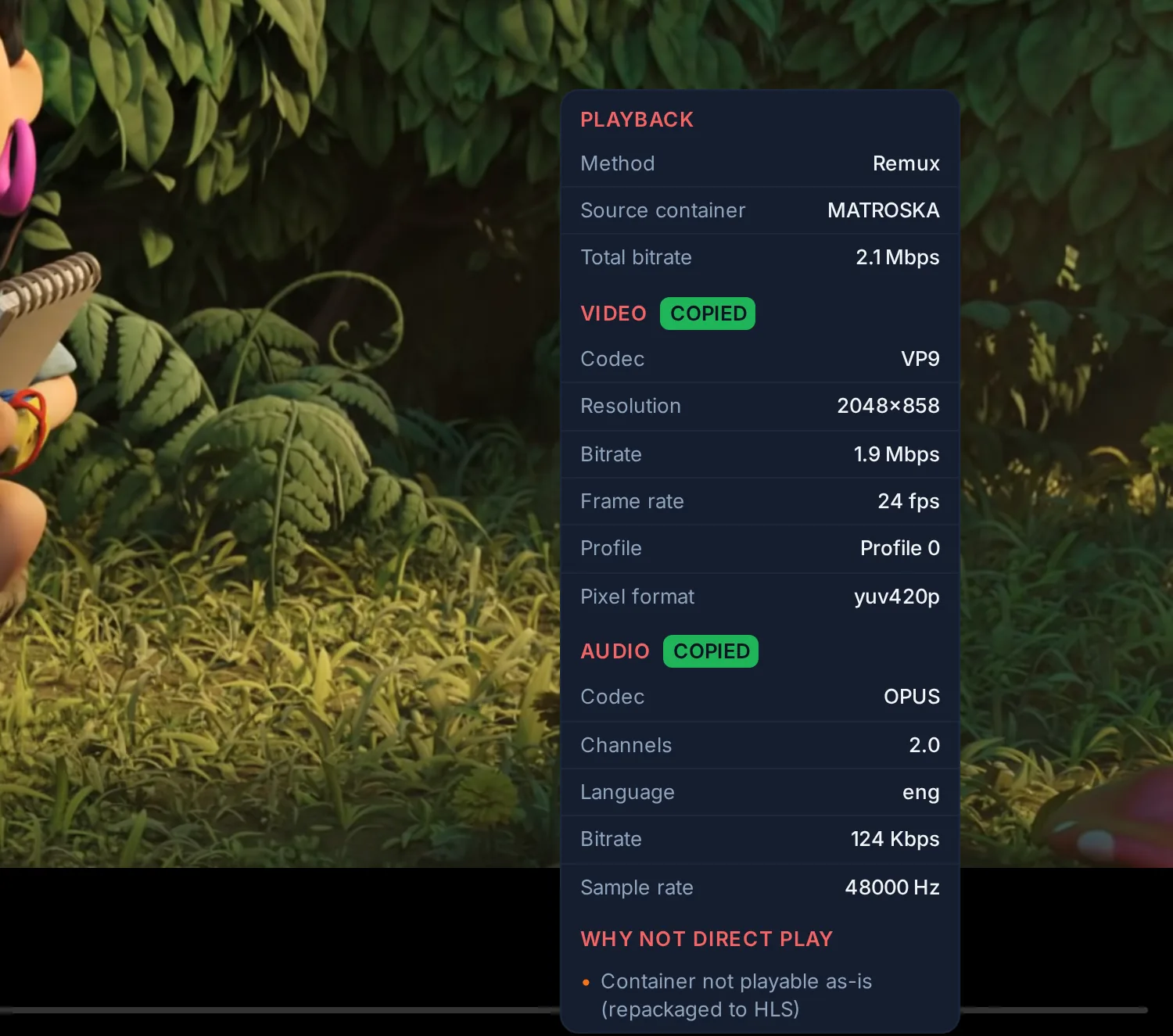
How playback is decided · MKVGo in Evey
One container, nothing to tune
The whole installation is one compose file. There is no .env to write and
no memory or CPU setting.
- Everything is inside. The database and the search engine run inside the container. Their passwords are generated on the first start.
- The server never runs as root. It runs as the owner of your media folder when it can detect one, so that repairs can write.
- The server measures itself. At a quiet moment, it times real conversions on the processor and on any graphics card you gave it. It then knows how many people it can serve at once. When it runs short, a new playback gets a lower quality, or moves from a busy graphics card to the processor. If a playback cannot start, the message says why: the server is full, it is still measuring itself, or the file is not ready.
- Access from outside your home is off until you give the server a public address.
You can also bring your own database or search engine: Advanced deployments. Transcoding and server capacity
What Evey does with your files and your data
Your files. Removing a title or a library removes it from Evey, never from the disk. Evey writes into your media folders in three cases only: a repair you asked for, a subtitle fetched through the API, and a small test file that checks Evey still sees new files arrive. Mount your media read-only and none of that happens. Media Health checks your MKV and WebM files and lists the problems it finds. It repairs a file only when you ask, works on a copy that is checked before it replaces the file (read in full when you ask, and always when no backup is kept), keeps the original by default, and records every change. What cannot be repaired is reported and left alone. Media health
Your data. The project runs no service that receives it: no account with us, no analytics, no crash reports. The apps talk to your server and to nothing else we operate. What leaves your network: the server fetches artwork and descriptions from outside services (The Movie Database, TVmaze, an IMDb API, OMDb when a key is set, MusicBrainz and cover art sources for music), and from time to time asks whether a newer version exists, which you can switch off. The database is saved before every update that changes it. Privacy policy · Backups and updates
Plugins run isolated and controlled
Plugins add metadata sources, notification channels, home sections and player overlays. Themes change the look. Before a plugin is installed, the administrator sees what it was found to do and the permissions it asks for; a new permission must be accepted explicitly. A plugin runs as its own process, under a separate user, with no direct network access, and is stopped when it goes over its memory, process or disk limit. How tightly its files are locked down depends on the machine, and the Security Dashboard shows the mode in use. A plugin's widget shows on the web, on Android and on the TV; on the TV you can see it but not use it. Plugins · Security model and plugin sandbox
Find your way
-
What you need, the compose file, the first start, the address to open.
-
The setup wizard, your libraries, the people who will watch.
-
The address to type on a phone or TV, signing in, and what each error means.
-
For the people who watch: profiles, finding a title, subtitles, asking for a film.
-
Why a film is slow to start, the sound in the wrong language, the TV, the train, a friend far away, a lost password.
-
Libraries, users and parental control, access from outside, graphics card, backups.
-
One table per problem: where to look, what to check, how to fix it.
-
Direct Play, Remux, Transcode, and how to read Stream info.
-
Installing and writing plugins and themes, the server API.